
What web to EPUB conversion actually does
Web to EPUB conversion takes an online article and packs it into a single, self-contained ebook file. The result is a portable document you can read on any e-reader, tablet, or phone—no internet connection needed. It strips away sidebars, pop-ups, and tracking scripts while preserving the text, images, and basic styling that make the article readable.
Behind the scenes, the tool pulls the page’s HTML and CSS, then restructures it as reflowable EPUB content. Reflowable means the text adapts to your screen size and your chosen font size. You are not stuck zooming and panning around a fixed layout the way you would with a PDF.
What stays and what goes
A good converter keeps the headline, body paragraphs, inline images, headings, and simple lists. It discards navigation menus, comment sections, share buttons, and most advertisements. Some tools even remove cookie consent banners automatically. The cleaner the source article, the cleaner your EPUB file will be.
How the EPUB file actually works offline
An EPUB is a zip archive containing XHTML files, a stylesheet, and a manifest. When you open it in Apple Books, a Kobo, or another reader app, the software reads that package and renders the pages. Because every resource—images, fonts, text—is bundled inside, the file works offline without fetching anything from the web.
You can store the EPUB in your device’s library, sync it across devices, or transfer it via USB. The file is typically DRM-free, so no proprietary lock-in restricts where you read it.
Browser extensions that save articles as EPUBs
Browser extensions are the fastest way to turn the article you are reading into an EPUB without leaving the page. Tools like EpubPress and DotEpub capture the main content area and package it in one click.
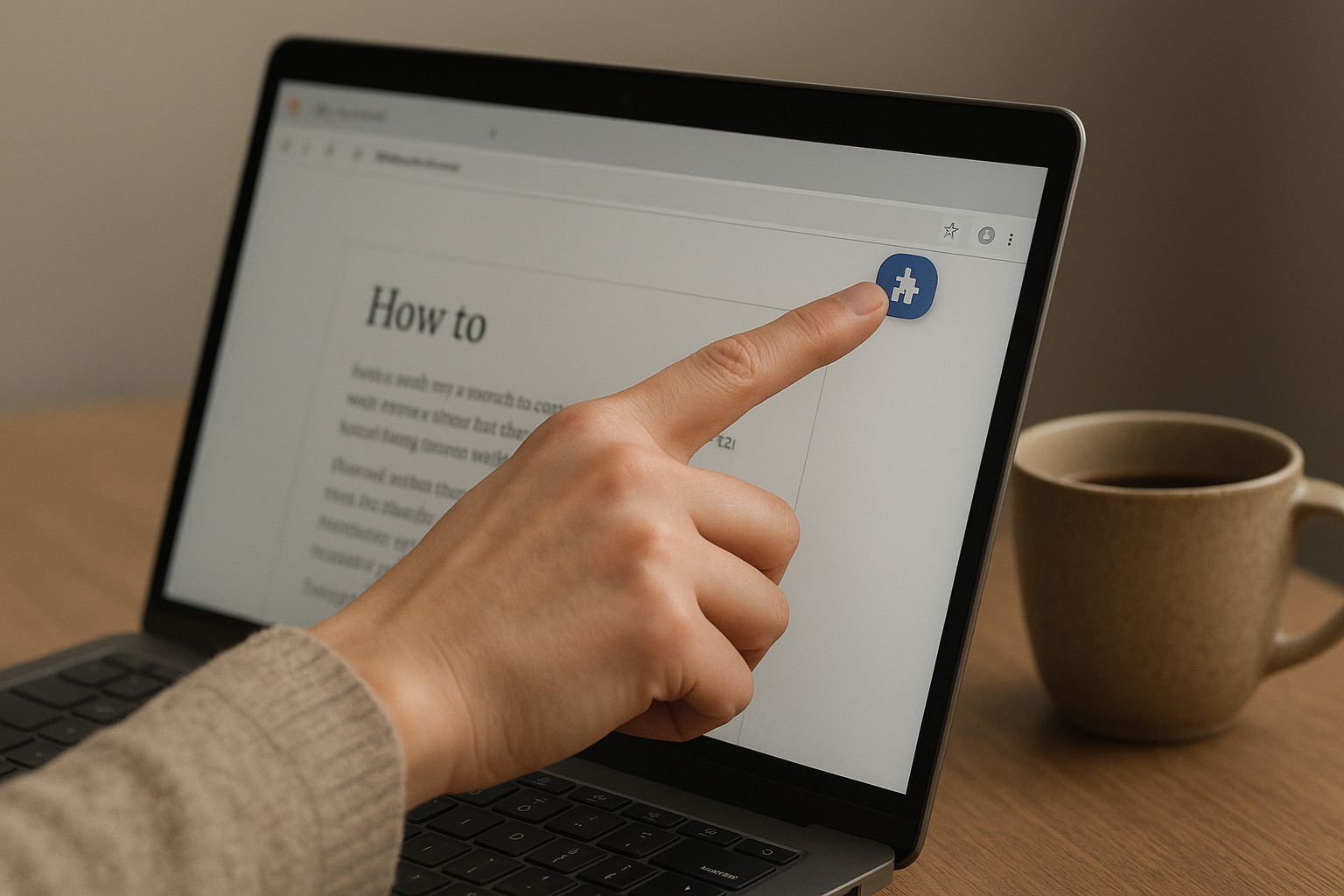
Both work directly from Chrome and Firefox. They ignore sidebars, ads, and navigation menus automatically. You get a clean, reflowable EPUB that adapts to any screen size on your e-reader or phone.
How do I use EpubPress?
EpubPress bundles every open browser tab into a single book. That is useful for research if you have ten articles on the same topic. Click the extension icon, reorder the tabs, then download the EPUB.
You can edit the title and author name before saving. You can also choose a reading mode that strips images for a leaner file.
What does a web scraper do in this process?
A web scraper is a tool or script that extracts content from web pages, often used as the first step in converting articles to EPUB. Extensions like DotEpub run a lightweight scraper inside your browser. It pulls only the article body, not the clutter around it.
Why extensions beat manual copying
Copying and pasting text into a converter preserves broken formatting. Extensions keep paragraph breaks, heading levels, and image placement intact. That matters when you reopen the file on a Kindle or Kobo months later.
Online tools that convert any URL to EPUB
Server-side converters handle the heavy work for you. You paste a URL, the service fetches the page, cleans it, and packages a reflowable EPUB. On a stable connection the whole thing takes under a minute. No extensions to install and no dependencies to manage.
Which free tools convert a web page to EPUB?
Type Shifter and Zin Flow are two of the most reliable free options. Type Shifter strips clutter and produces a clean, reader-friendly file from any public URL. Zin Flow goes further: it lets you batch several articles into one EPUB and adjust font size, line spacing, and margins before export. Both run entirely in the cloud, so you can use them from a locked-down work laptop or a Chromebook where you cannot install software.
When batch processing saves real time
You might want to pack a week’s worth of long reads into a single ebook for a flight. Zin Flow and similar online tools let you queue multiple URLs and merge them into one spine. You get a single download instead of a folder full of separate files. Most services cap the free tier at five to ten articles per batch, but even that saves tapping through menus for each page.
Desktop software for more control over the EPUB output
Desktop apps give you the finest control when a browser extension’s one‑click result feels limiting. You can merge several related articles, strip noisy sidebars, and apply your own clean CSS so the EPUB looks consistent across every e‑reader you own.
How does Calibre’s built‑in web scraper work?
Calibre’s Fetch News feature acts like a customizable web scraper. You supply a list of article URLs, and Calibre downloads the content, removes unwanted elements, and packages everything into a single reflowable EPUB. It is particularly useful when you want to compile a weekly digest or batch‑convert a series of tutorials for offline study. The latest Mac, Windows, and Linux versions include pre‑built recipes for many popular sites.
How do I apply custom CSS with Pandoc?
Pandoc reads an HTML file and writes a standards‑compliant EPUB in one command. Pass your own CSS file with the ‑‑css flag to control font size, line height, and margins exactly. This approach is ideal if you already save web pages as clean HTML through a browser’s reader mode. Pandoc also lets you embed fonts and generate a linked table of contents automatically, so longer documents stay easy to navigate on a small e‑ink screen.
Use desktop tools when you need to merge multiple pages into one chapter, preserve custom styling across an entire ebook series, or clean up formatting quirks that online converters miss.
How to convert Safari and mobile browser pages
You do not need a desktop to save a web page as an EPUB. Both iPhone and Android phones offer direct routes that keep the finished file on your device, ready for your reading app. The method you pick depends on whether you prefer a Safari extension, a share-sheet action, or a dedicated app.

What works best on an iPhone or iPad
Zin Flow is a Safari extension built for exactly this job. Once installed, you tap the extension icon in Safari and it packages the current article into a clean EPUB. The app strips navigation clutter and lets you export the file to Apple Books or any reader that supports EPUB. If you use Calibre on a Mac, the Calibre Companion share action can send a page directly to your Calibre library over Wi‑Fi.
How Android users save articles as EPUBs
Share the page from Chrome or Firefox to an app like eBoox or Librera. These apps import the URL and convert it to reflowable EPUB on the device. Another option is the Add to EPUB app, which appears in your Share menu and builds the EPUB file immediately. Both approaches bypass any need to email yourself a link or transfer files over USB.
Can I edit the EPUB after converting it on a phone?
Yes. You can edit the EPUB later on a desktop using Calibre or Sigil. Fix chapter breaks, remove leftover sidebar text, or tidy up image sizing. If your e-reader is misbehaving, adjusting the internal CSS after conversion often solves display problems without re‑downloading the source page.
Formatting quirks to check after conversion
Your EPUB may look perfect on a large monitor but fall apart on a 6-inch e-ink screen. That usually happens because web pages use fixed pixel widths and absolute positioning, while EPUB readers expect reflowable text—text that automatically wraps and resizes to fit the display. Spotting three common flaws early saves you from redoing the conversion later.
Why are images splitting across pages or vanishing?
Images inserted with hardcoded pixel widths can overflow a narrow e-reader screen. Breakage happens when an image spans a page boundary on e-ink. Set max-width: 100% and height: auto in the EPUB’s CSS. Split large infographics into smaller chunks before you convert. Many e-readers also ignore SVG files entirely.
Why won’t my EPUB import at all?
Long filenames or special characters like &, %, or spaces in image URLs cause silent import failures. Rename assets to short, hyphenated names before packaging. Check that every referenced image file actually exists inside the EPUB container. Missing files are the most common cause of a blank screen on open.
What breaks when a page uses a fixed-width layout?
Fixed-width columns, absolute positioning, and CSS grid often lock text at a single width. On a phone, you zoom and scroll; on an e-reader, you get tiny, unreadable text. Strip position: absolute and fixed width declarations from the stylesheet. Let the text flow into a single stack. Manual CSS cleanup is tedious but prevents a broken reading experience.
Why EPUB beats PDF for reading long web content
You sit down with a long-form article on your phone, pinch-zooming and scrolling sideways to read each line. That frustration disappears when you convert web to epub. EPUB is an open ebook standard that uses HTML and CSS to make content reflowable across different screen sizes. The text reshapes itself to your screen, your chosen font size, and your preferred margins.
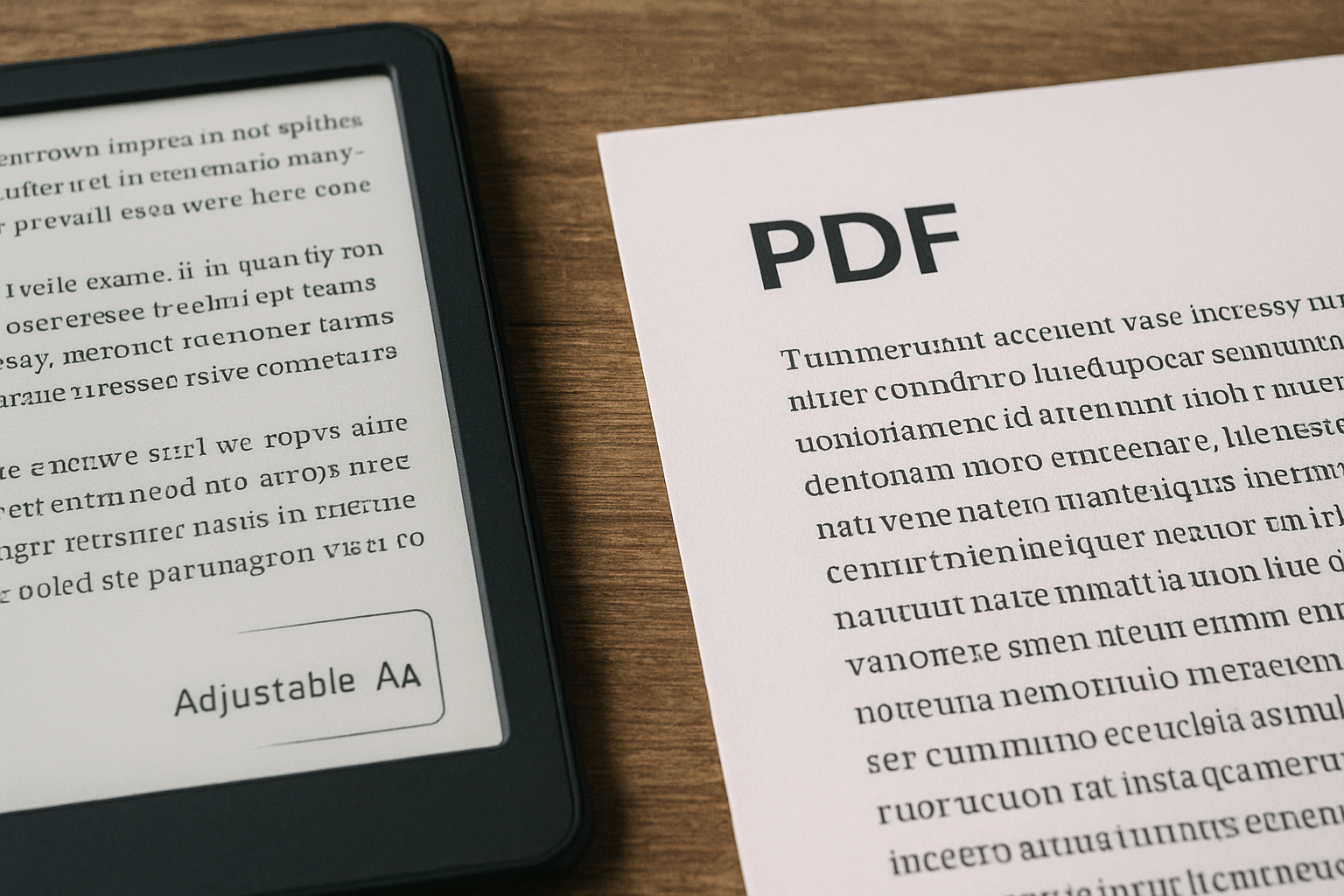
What happens when you open the same article as a PDF?
A PDF locks every word into a fixed paper-sized page. On a six-inch e-reader, that means tiny, unreadable text. EPUB reflows paragraphs so they fill your screen exactly, whether you read on a phone, tablet, or dedicated e-ink device.
Can you adjust the reading experience on the fly?
EPUB readers let you change font face, enlarge type, switch to a dark background, and look up words with a long-press dictionary. PDFs offer none of that without clumsy workarounds. The file itself stays small, too. An EPUB stripped of unnecessary styling is often a fraction of the size of the same content saved as a PDF, saving storage space across your devices.
For reading articles saved from the web, EPUB gives you control. PDF gives you a static photograph of a page.
Key takeaways
- Browser extensions and online services make one-click conversion possible.
- EPUBs adjust to your screen size, unlike static PDFs.
- Desktop tools like Calibre give you the most control over output quality.
- Always verify image scaling and link preservation after conversion.
- EPUB files are typically smaller and more flexible than PDFs from web content.