
What web print actually means
Web print is a driverless printing method that lets you upload a document from a web browser to a print server, which then sends it to a network printer—no local printer drivers or software installation required. You open a portal, pick a file, choose print settings, and collect your pages. The server does the heavy lifting.
Why “driverless” matters
Traditional printing chains your device to a manufacturer’s driver package. Install the wrong one and nothing prints. Web print sidesteps that. The server handles format conversion and queues the job. Your browser becomes a universal remote for printers you have never configured. That changes where you can print from: a borrowed laptop, a tablet in a café, or a phone in a library carrel.
The PaperCut connection
When universities and organizations talk about web print, they usually mean PaperCut’s Web Print module. PaperCut is a print management platform that tracks usage, allocates quotas, and routes jobs securely. Its browser-upload workflow has become the default experience for students at schools such as Washington University in St. Louis and the University of Cambridge. Cambridge’s IT guidance confirms the typical setup: log in with your institutional account, upload a document, and release it at any managed multi-function device on campus.
How the upload-to-printer flow works
You do not connect to a printer directly. You connect to a web portal. Here is the sequence:
- You authenticate with your network credentials.
- You upload a file—commonly a PDF, Word document, or image.
- The server renders the file into a print-ready format.
- You confirm settings like copies and color or grayscale.
- The job waits in a queue until you release it at the printer.
That final release step keeps sensitive documents from sitting unattended in an output tray. It also gives you control. You can cancel a job before it ever touches paper.
Where the term gets muddy
Some internet printing services also let you email documents to a printer or upload through a vendor app. Web print distinguishes itself by using nothing but a browser. If you can sign into a portal, you can print. No plugin, no driver pack, no IT ticket. That simplicity is why it has become a staple in libraries, coworking spaces, and university labs.
Which services and institutions offer web print
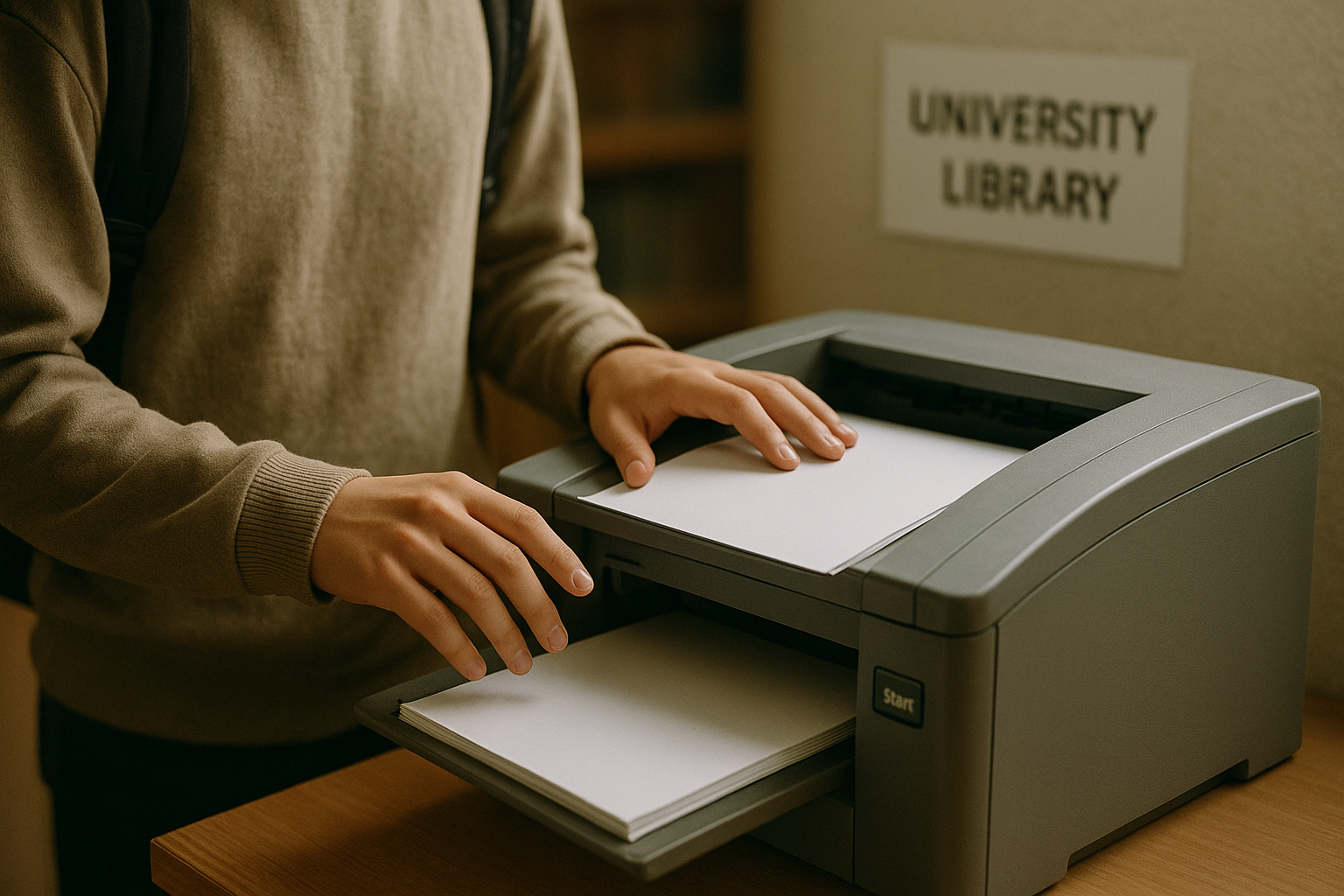
PaperCut’s Web Print module is the dominant commercial platform behind most browser-based printing portals you will encounter. You recognise it at universities and colleges across the US and UK where the feature is branded as “Web Print,” “WebPrint,” or “Web Printing.” Washington University in St. Louis integrates the module into its myprinting.wustl.edu portal. Rollins College’s Olin Library provides access through its own WebPrint gateway, and the University of Texas at Austin operates a similar setup for students and staff. In the UK, the University of Cambridge deploys Web Print across its managed multi-function devices.
Where else you will find it
Look beyond education and you will spot the same technology in corporate offices, co-working spaces and public libraries that run PaperCut’s print management suite. An organisation rarely builds its own; they license the platform and skin it with their logo and login page. That is why the upload flow feels familiar even when you switch from a university lab to a hotel business centre.
What about internet printing services?
A related but different flow comes from services like HP ePrint. Instead of uploading a file to a local network portal, you email your document to a printer’s unique address over the internet. That approach sidesteps driver installation too, but it routes data through external servers rather than keeping the job inside your institution’s network. Most university deployments deliberately choose the local-portal model for simpler auditing and cost control.
Supported file types and limitations
Most web print portals accept Microsoft Office files (like .docx and .xlsx), PDFs, and common image formats—JPG, GIF, and PNG. Some also handle plain text files. However, support varies between institutions, so checking your local portal’s accepted list before you upload saves time.
Why PDF is the safest choice for web print
PDFs preserve page breaks, fonts, and layouts exactly as you designed them. Because the server converts your file, not your local device, a PDF removes the risk that a missing font or different software version will shift your content. If you need a predictable double-sided handout, upload a PDF.
What gets stripped: page size, color, and formatting quirks
A web print server applies default rules that often override your document settings. At the University of Cambridge, for instance, the portal prints A4 single-sided in grayscale unless you manually change options at a printer console. Some platforms, like Rollins College’s WebPrint, restrict you to uploading one file per job and cannot process password-protected documents. Expect color choices and duplex to be controlled by the print queue, not by your original file.
Why local fonts matter less—and what still breaks
Driverless printing converts your file on the server, so missing local fonts rarely cause the jumbled text you see with traditional drivers. What does fail: very large image files that time out during upload, or proprietary formats that the server does not recognize. If a detail must print perfectly—a resume on a shared university printer, for example—export it to PDF and test with a single page first.
How to use a web print portal step by step
You start by opening your organization’s print portal and logging in. The address usually comes from your university, library, or workplace IT page. Washington University in St. Louis uses a PaperCut portal at myprinting.wustl.edu where you sign in with your WUSTL Key. Other institutions use a similar single sign-on flow with a student or employee ID.
How do I submit a document through web print?
Once logged in, look for a menu item labeled “Web Print.” Select it. Choose a printer from the list. You can then upload your file directly from your device. Pick any print options shown — color or black-and-white, single-sided or duplex, number of copies. Click “Upload and Complete” or “Submit” to send the job to the queue.
The portal processes your file on the server side. You do not need any printer driver installed on your own machine. This is what makes the experience work across any operating system.
What happens after I submit the print job?
In many setups, the job waits for you in a hold queue. Walk up to any compatible printer in the building, tap your ID card or enter a release code. The printer will then produce your pages. If the system uses a print balance, make sure you have enough credit first. Top-up kiosks or online payment pages let you add funds before you print. If the balance is too low, the job will not release.
Driverless web printing vs. traditional printer drivers
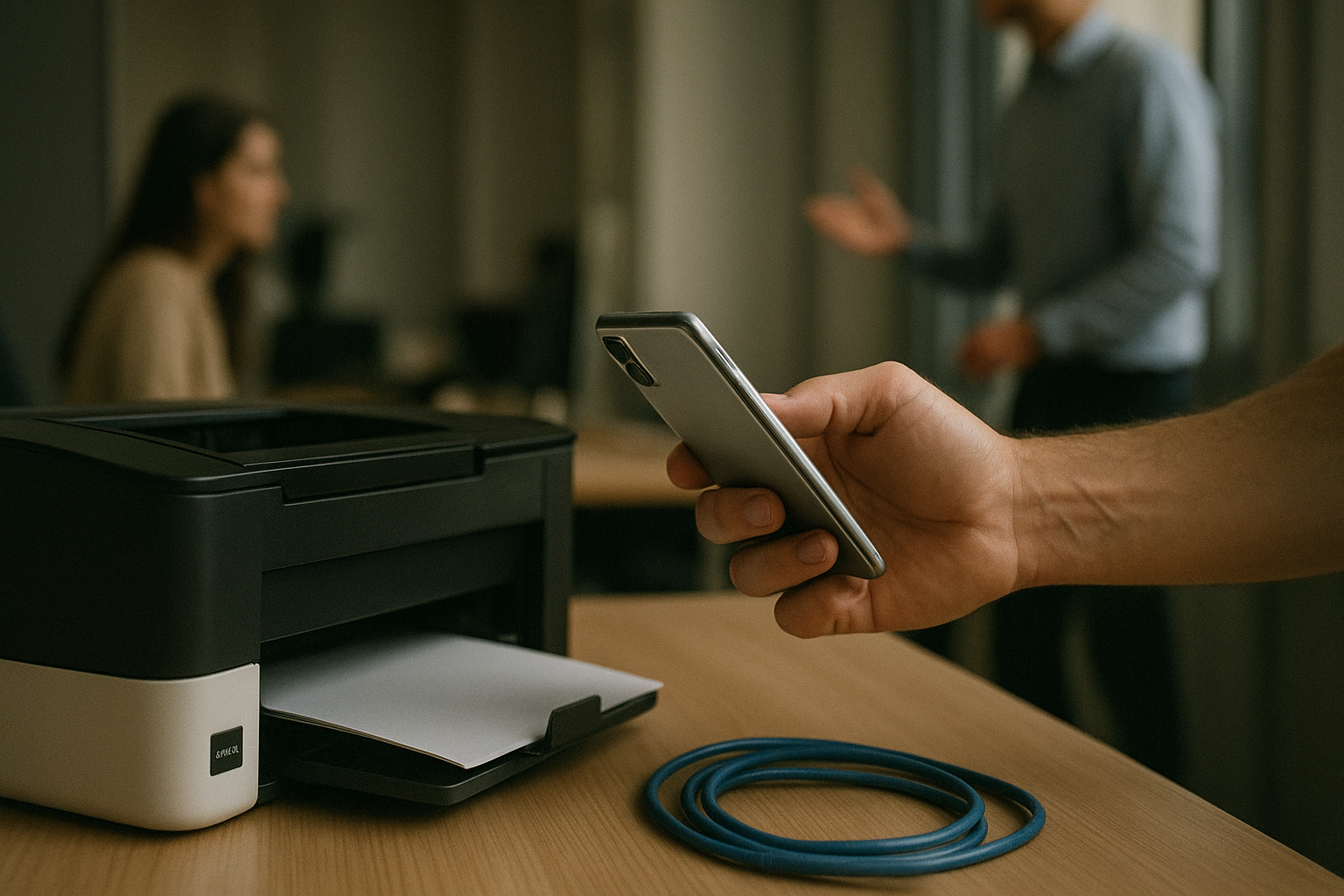
You can start a web print job from any modern browser without installing a single driver. Traditional printing demands that you first locate, download, and configure the exact driver for your printer model. That process breaks down fast on a loaner laptop at the University of Cambridge or a tablet you cannot touch the system settings on.
Why traditional drivers create friction
Driver-based printing ties you to one operating system and one device. A Windows driver does nothing for your phone. On a locked-down corporate machine, you often lack admin rights to install it. Every new printer model means another driver hunt, another conflict risk, and another support ticket.
What driverless web print lets you do
Web print only asks for a browser and a network connection. You upload a PDF, an image, or an Office file, and the server handles the conversion. You can print from a phone in a coffee shop or a Chromebook in a library, exactly as Washington University in St. Louis students do through their PaperCut portal.
The honest trade-off
You gain mobility but lose the granular controls a full driver provides. Expect to give up detailed finishing options like selecting a specific paper tray by number, adjusting staple positions, or setting oddball page sizes. The print server gives you safe, standard defaults: color or grayscale, copies, and single- or double-sided. For a quick document, that is a clean swap. For a meticulously formatted report that needs tabloid paper and a center staple, a traditional driver still earns its place.
Security and privacy considerations for web print
Any time you upload a file to a web print portal, you are sending it to a print server—a service that receives, converts, and routes your job to a physical printer. The immediate question is what happens to your document once it leaves your device. Before printing sensitive material like financial statements or medical forms, check the portal’s privacy policy. Institutions such as the University of Cambridge state that print jobs are held on the server only until they are released, and documents are automatically deleted after printing.
What data does a web print server keep?
Document content is usually purged after the job completes. However, organizations often retain job metadata—things like your username, the filename, the number of pages, and the time of printing. Cambridge’s web print service, for example, logs this metadata for accounting and auditing purposes while stripping the actual file content. You can treat non-sensitive jobs accordingly, but for anything confidential, confirm the retention policy first.
A safer path for shared computers
On a shared library terminal or a coworking space machine, installing a traditional printer driver creates a persistent, often overlooked risk. An attacker who compromises that driver can access every document printed on that computer. Web print avoids this entirely—there is no driver to install and no local print spool file to recover later. This server-based model keeps the attack surface small.
Three practical checks before you click submit: look for HTTPS in the portal URL, note whether the page displays your session timeout, and never leave a public device unattended while you are logged into your print account.
When web print is worth using
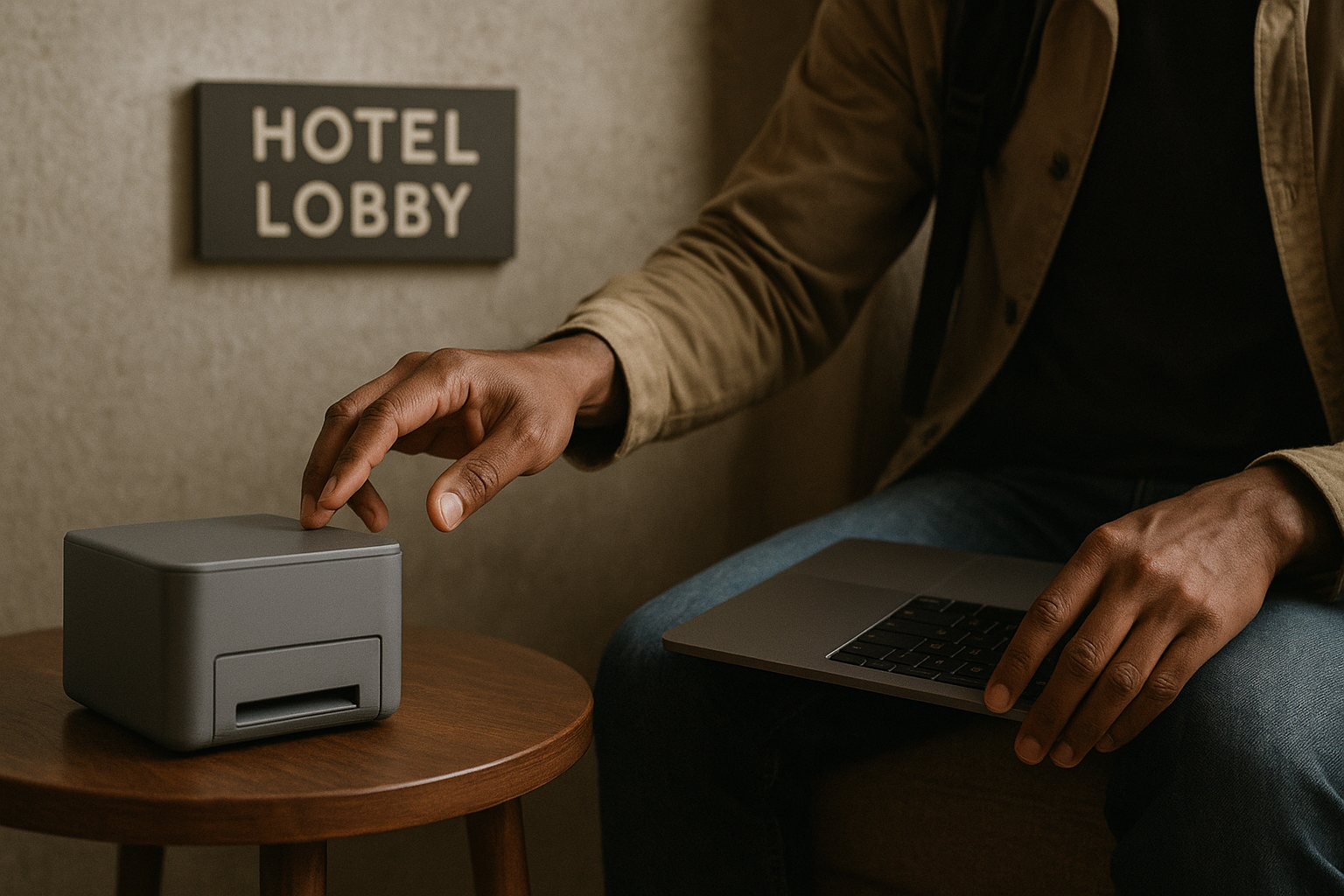
Web print shines when you cannot—or should not—install printer drivers. You need quick output from a device you do not own: a library guest terminal, a hotel business center, or a university lab machine. At Washington University in St. Louis, students use PaperCut Web Print specifically to send jobs from personal laptops without configuring a campus print queue manually.
Where guest and mobile printing make practical sense
Libraries, student halls, and co‑working spaces rely on this model. Rollins College supports WebPrint from any laptop or phone so visitors skip driver installations entirely. That matters when your device runs an uncommon OS or you are on a locked‑down corporate machine.
When IT teams want one queue for all devices
Supporting Windows, macOS, ChromeOS, and mobile users with traditional drivers multiplies help‑desk tickets. A single web print portal, as the University of Cambridge provides for managed multi‑function printers, collapses those into one submission point. IT staff maintain the printers behind the scenes; users just upload and print.
When you still need a driver or a PDF export instead
Web print sacrifices layout precision for speed. Page breaks, custom paper sizes, and exact color profiles often rely on the original application’s print dialog. For a contract, a marketing proof, or a portfolio piece, install the manufacturer driver or export a press‑ready PDF first. Treat web print as your go‑to for everyday document output, not final artwork.
Key takeaways
- Web print works from any device with a modern browser, including phones and locked-down laptops.
- PaperCut Web Print is the most common implementation, used by universities and libraries.
- Typical supported files are Microsoft Office, PDF and common image formats.
- Jerbs are processed on a server, so users should check the portal's privacy policy for sensitive documents.
- It is best for occasional or mobile printing; heavy print users may still prefer installed drivers.