
What website maintenance services actually include
Website maintenance services handle the ongoing technical and content work that keeps your site secure, fast, and fully functional depending on scope. Think security patching, off-site backups, uptime monitoring, and performance tuning, plus the text and image changes your team requests each week.
Security patching, backups, and monitoring
Every solid plan starts with three non-negotiables. First, CMS, plugin, and theme updates applied as soon as critical fixes ship—weekly at a minimum. Second, automated daily backups stored off-site so a single server failure never wipes your data. Third, uptime monitoring that alerts the provider the moment your site goes dark, often triggering a restore protocol within minutes.
Performance optimization that goes beyond speed
Speed fixes matter, but genuine performance maintenance runs deeper. Providers audit Core Web Vitals, configure a CDN and WAF to serve cached assets and block malicious traffic, and clean database bloat—stale post revisions, orphaned metadata, and oversized log tables—that silently drags load times up. A security-first provider like 360Locker layers OWASP-aligned dependency checks, hardened HTTPS/SSL headers, and automated CI scans directly into its maintenance workflow rather than treating them as a separate audit.
Content updates and hands-on support
Not all plans include content edits, so clarify this upfront. Some providers bundle a set number of monthly text, image, or product updates; others charge per-request. What you should expect regardless is technical support for bug fixes and emergency break-fix—where a developer digs into a broken form, a payment gateway error, or a white screen to restore normal operation without a new-project contract.
Why regular maintenance matters for your business
Skipping website maintenance services is not a one-time risk. A single outdated plugin can open a door for attackers. A slow-loading page can drop your Google rank in days. And a broken checkout page? That sends paying customers straight to a competitor. You are not just protecting code; you are protecting revenue, reputation, and trust.

Outdated software causes the most hacks
Most website breaches trace back to unpatched plugins, themes, or CMS versions. Hackers scan for known vulnerabilities relentlessly. Routine maintenance closes those gaps before they become headlines. A maintenance provider that follows OWASP-aligned reviews catches risks that generic updates miss, checking for misconfigurations and weak dependencies across your whole stack.
Google punishes slow, broken sites
Search engines measure real-world experience through Core Web Vitals. Pages that load slowly or shift layout while users tap lose visibility. Unexpected downtime erodes crawl budget. Regular performance monitoring and uptime checks keep your SEO capital intact.
Visitors leave when trust breaks
A browser security warning or an expired SSL certificate kills confidence instantly. Broken links and forms look sloppy. Visitors interpret these signals the same way you would: this business is not paying attention. Consistent maintenance keeps every public-facing element clean and trustworthy.
Legal compliance is not optional
If your site handles personal data or payments, you operate under GDPR in Europe or similar frameworks affecting your global visitors. E-commerce sites must align with PCI-DSS standards for card data. Maintenance services that include compliance checks help you avoid fines and legal exposure that can reach millions of dollars or pounds.
How 360Locker’s security-first approach changes maintenance
Most maintenance plans renew your software and scan for known malware. 360Locker builds each retainer around a zero-trust model and continuous vulnerability detection. That means every maintenance task — from a plugin update to a full database migration — gets verified access controls, automated dependency checks, and layered edge protection by default.
What zero-trust access and hardened headers prevent
Zero-trust access requires strict identity verification for every person and device trying to reach your resources, whether they sit inside or outside the network. For you, that stops stolen credentials from letting an attacker walk straight into the admin panel. Hardened HTTP headers then instruct browsers to block clickjacking, MIME-type sniffing, and other code-injection paths — small configuration changes that close whole attack categories.
Why automated CI scans catch dependency risks early
Every code change and third-party library update runs through automated CI pipeline scans aligned with OWASP benchmarks. The scan flags a vulnerable package hours before it hits the live site, not days after a breach. If a widely used npm or Composer library publishes a fix, 360Locker’s maintenance team patches it during the same cycle, not the next billing period.
How WAF, CDN, and encrypted transport protect at scale
A WAF (Web Application Firewall) filters and blocks malicious HTTP traffic — SQL injection, cross-site scripting — before it touches your server. Combined with a CDN, it also absorbs DDoS floods at the network edge. Free HTTPS/SSL and encrypted servers keep data protected both in transit and at rest. The result: your site doesn’t just stay online during an attack. It stays compliant with PCI-DSS and GDPR data-handling rules without you chasing certificates or separate firewall subscriptions.
Typical costs of website maintenance in the US and UK
You can spend less than a daily coffee budget or more than a part-time employee’s salary. The right number depends on your site’s complexity, not just its page count. Most small businesses land between $100 and $300 USD (£80–£240 GBP) per month for dependable upkeep.
What do entry-level plans cover?
Starter packages begin around $29 USD per month. 360Locker’s own plan at that price includes 1–3 pages with basic updates and hosting. These suit simple brochure sites. They rarely include content rewrites, custom development, or advanced security monitoring.
When does a mid-range plan make sense?
For a CMS-driven site with regular blog posts, plugin updates, and form checks, expect $100–$300 USD (£80–£240 GBP) monthly. You receive scheduled backups, uptime monitoring, and support tickets. This is the sweet spot for most growing businesses that publish weekly.
What drives enterprise-level pricing?
Custom applications, API integrations, or PCI‑DSS compliance push costs past $500 USD (£400+ GBP) per month. You are buying dedicated developer hours and a security-first workflow. A quarterly OWASP-aligned review alone can prevent incidents that cost far more than the retainer.
Hourly work costs more over time
Break‑fix developers charge $50–$150 USD (£40–£120 GBP) per hour. Every urgent patch or plugin failure becomes a separate invoice. Three small monthly fixes can easily exceed a mid‑range plan’s flat fee. Hourly suits one‑off projects, not ongoing protection.
What to look for in a maintenance provider
Choose a provider the way you would hire a full-time developer—by verifying their security discipline, their response promises, and the real scope of what “included” actually covers. A low monthly price means little if every content tweak arrives as a separate invoice.

How fast do they respond when something breaks?
Look for 24/7 support with a clear SLA, not just an email ticket queue. If your checkout page breaks at midnight on a Saturday, waiting until Monday morning costs real revenue. Ask specifically: “What is your guaranteed response time for a critical outage?” and get it in writing.
Which tasks are included, and which cost extra?
Some plans bundle plugin updates, uptime monitoring, and one or two content edits per month. Others treat even a 10-minute text change as billable add-on work. Push for a written schedule of included tasks. If you run a content-heavy site, confirm whether CMS updates and image swaps fall inside the flat fee or trigger hourly charges.
How deep does their security coverage go?
Basic HTTPS enforcement is table stakes now. You need a provider that runs ongoing malware scans, maintains a web application firewall (WAF), and reviews firewall rules regularly—not once at setup. If you handle payments or personal data, ask whether the team follows a hardened standard like the OWASP Top 10 during code and configuration reviews. A provider that treats security as a continuous practice, not a checkbox, is the one that will keep your site off blacklists.
Do they know your platform inside out?
WordPress expertise does not translate to Shopify’s Liquid templating or a custom Laravel backend. Confirm the provider has live projects on your exact stack. Specialists deliver faster, safer fixes than generalists who learn your setup on the clock.
Maintenance plans vs. hourly break-fix: which makes sense
Most website owners face this decision after the first emergency invoice lands. A monthly maintenance plan locks your cost into a predictable figure, usually $49–$199 per month in the US and £35–£150 in the UK, depending on site complexity and update frequency. Hourly work often runs $75–$150 or £60–£120 per hour. You only pay when something breaks. That sounds cheaper until a hacked checkout page costs you two days of revenue and a four-figure emergency fix.
Why monthly plans win for businesses that depend on their site
Plans bundle preventive work that hourly support skips. A provider runs plugin and CMS updates, scans for malware, and checks Core Web Vitals on a schedule. You get priority support: most providers, including 360Locker, answer plan-holder tickets before one-off requests. The result is fewer all-night emergencies. Your site stays current and secure because someone is watching it even when nothing looks broken.
When hourly break-fix still makes sense
Hourly support fits a low-activity brochure site that rarely changes. If a three-page site updates twice a year and you do it yourself, a plan may cost more than it saves. The risk rises with e-commerce, membership logins, or any form that collects customer data. For a revenue-generating business, a plan typically pays for itself by preventing a single significant outage.
The real question is not which option costs less on paper. It is what a day of downtime does to your reputation and your pipeline. If the answer makes you uncomfortable, a plan is the safer choice.
How to hand over your site to a maintenance team safely
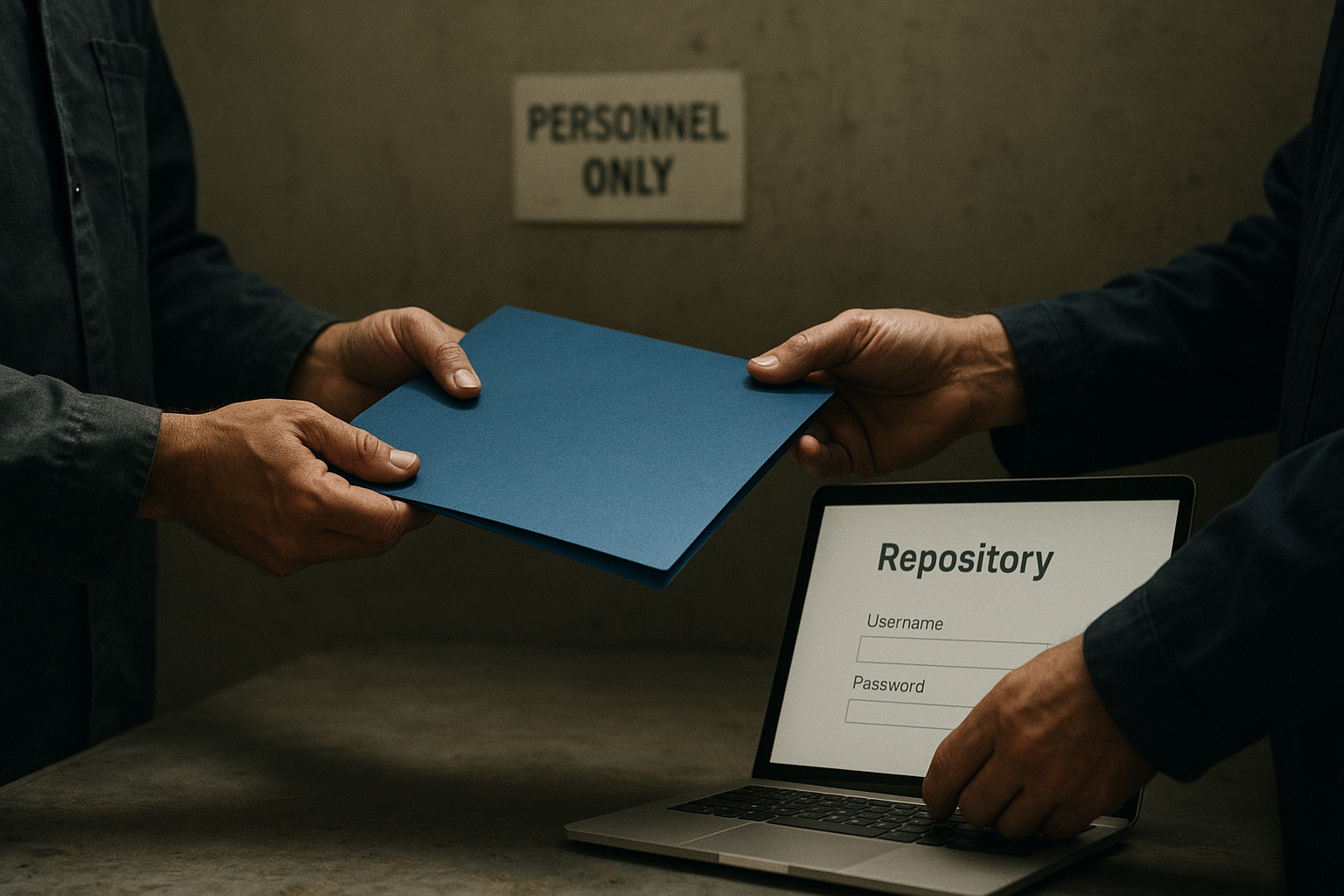
You hand over access, not control. Start with a one‑month trial before committing to an annual contract. Most security incidents during handovers trace back to shared passwords emailed in plain text. A disciplined onboarding process protects your site and tests the provider’s real working methods.
What documentation should you prepare first?
Gather admin logins, hosting credentials, DNS provider details, and your code repository location. Never send passwords by email. Use a one‑time secrets link or a password vault with an expiry timer. Confirm who owns each account. If your domain and hosting sit with different companies, list both renewal dates. Providers like 360Locker include free content migration, so ask them to pull a fresh backup before touching anything live.
How do you define the scope of support?
Write a simple scope sheet. List every page, plugin, and third‑party integration the team must support. Note which ones are business‑critical. If your payment gateway or booking system breaks, the provider must know within minutes. Mention any custom code or legacy plugins that need extra care. Clear scope prevents “that’s out of plan” surprises later.
Where do you agree on communication?
Pick one channel and stick to it. Slack, Trello, a ticket system, or email all work. What fails is mixing three channels and losing a request. Agree on response times for urgent issues — a security patch differs from a text change. Confirm who your day‑to‑day contact will be.
Why start with a trial period?
A 30‑day trial reveals reliability and quality without locking you in. Monitor their update speed, how they handle an unexpected bug, and whether they report what they changed. Security‑focused teams run OWASP‑aligned reviews, check dependencies, and enforce zero‑trust access from day one. If they do not, you learn before it costs your business.
Key takeaways
- Maintenance plans start around $29 USD/month for basic sites; mid-range plans cost $100–$300 USD/$80–£240 GBP.
- Security-focused providers like 360Locker use zero-trust access, automated scans, and WAF/CDN to prevent hacks.
- Regular maintenance prevents broken pages, SEO drops, and data breaches that can cost far more than a monthly plan.
- Hourly break-fix work often costs more over time and lacks the proactive monitoring included in plans.
- Handing over a site requires sharing docs, setting a clear scope, and choosing a provider with 24/7 support.
Frequently Asked Questions
How much should I pay someone to maintain my website?
Expect to pay $29 USD/month for simple 1-3 page sites, $100–$300 USD/£80–£240 GBP monthly for standard business sites with updates and security, and $500+ USD/£400+ GBP for enterprise plans with dedicated support.
Can I hire someone to manage my website?
Yes, many companies offer managed website maintenance where they handle all updates, security, backups, and content changes so you can focus on your business. Plans are typically monthly and often include priority support.