
Quick answer: Look for SSL/TLS, WAF, DDoS protection, PCI DSS compliance, automated backups, zero-trust architecture, and 24/7 monitoring to secure your e-commerce site against rising threats.
Key takeaways
- E-commerce security requires both server-level (hardening, patching) and application-level (code scanning, OWASP) measures.
- PCI DSS compliance mandates encryption, tokenization, and secure payment gateways; the host and merchant share responsibilities.
- Zero-trust architecture limits access and segments networks to minimize damage from breaches.
- Performance features like CDN and load balancing also serve security by mitigating DDoS and improving resilience.
- Regular security scans and third-party audits are essential to maintain ongoing protection.
Why E-commerce Hosting Security Matters in 2026
E-commerce hosting security refers to the combination of infrastructure, software, and practices that protect an online store’s data, transactions, and customer privacy. By 2026, this has become non-negotiable: 43% of cyberattacks target small businesses, and a single data breach costs e-commerce sites an average of $200,000 in direct losses and reputational damage.
Online stores face unique vulnerabilities. They handle payment card data, store user accounts, and process high-volume API traffic. Attackers exploit these entry points using SQL injection, cross-site scripting (XSS), and credential stuffing. Without proper hosting security, a breach can violate PCI DSS (Payment Card Industry Data Security Standard) rules and GDPR regulations, leading to fines up to 4% of annual revenue.
Consumer trust is fragile. According to a 2025 survey, 82% of shoppers abandon a site after a security incident. Your hosting provider must act as the first and strongest defense layer — one that blocks attacks before they reach your application.
Essential Security Features Your Host Must Provide

What security features should I look for in an e-commerce hosting provider?
Look for SSL/TLS certificates (auto-renewed, HTTPS by default), a Web Application Firewall (WAF), and DDoS protection. These three form the minimum barrier against common threats. SSL/TLS encrypts data between browser and server — without it, payment details travel in plain text. WAF filters malicious HTTP traffic, blocking SQL injection and XSS attempts. DDoS protection absorbs volumetric attacks that aim to crash your store.
Your host should offer automated backups with point-in-time restore. A ransomware attack can lock your site in minutes; a recent backup lets you recover within hours. Zero-trust architecture — a security model that assumes no user or system is trusted by default — adds continuous verification and network segmentation. This prevents a compromised employee account from accessing customer databases.
Companies like 360Locker embed these features from day one. They provide 99.95% hosting uptime, 24/7 priority support, and a zero-trust approach across their infrastructure.
How do performance features like CDN help security?
A Content Delivery Network (CDN) distributes your site across global servers. This absorbs DDoS traffic before it reaches your origin server. It also speeds up page loads, which reduces the attack window for session hijacking. Performance improvements like load balancing and auto-scaling prevent traffic spikes from exhausting resources. 360Locker’s “up to 20x faster servers” claim means your site handles surges without crashing — a direct security advantage.
Application-Level Security for E-commerce Sites
What is OWASP compliance and why does it matter?
The OWASP Top 10 is a standard awareness document listing the ten most critical web application security risks. Compliance means your code undergoes regular reviews against these risks, including injection flaws, broken authentication, and sensitive data exposure. According to Verizon’s 2025 Data Breach Investigations Report, 84% of web application breaches involved OWASP Top 10 vulnerabilities.
Your hosting security strategy must extend beyond the server to the code itself. Dependency checking scans plugins, themes, and libraries for known vulnerabilities. Many e-commerce breaches start with an outdated plugin. Automated CI/CD security scans (SAST for static analysis, DAST for dynamic testing) catch flaws during development — not after deployment. 360Locker integrates these scans into their delivery pipeline, running automated checks with every build.
Implement session management with anti-CSRF tokens. These prevent attackers from hijacking authenticated sessions or tricking users into executing unwanted actions. Validate all inputs and encode outputs to stop XSS and SQL injection at the application layer.
Server and Network Hardening Checklist
How do I harden my server for an e-commerce store?
Start with HTTPS enforcement and HSTS headers. HSTS (HTTP Strict Transport Security) tells browsers to always connect via HTTPS, preventing downgrade attacks. Add security headers: X-Frame-Options to prevent clickjacking, Content-Security-Policy to block injected scripts, and X-Content-Type-Options to stop MIME sniffing.
Disable password-based SSH login. Use SSH key-based authentication only — brute-force attacks on password logins remain a leading breach vector. Apply regular patching to your OS, control panel (like cPanel on 360Locker’s platform), database, and PHP version. Unpatched software is the #1 cause of server compromise, per SANS Institute. Implement intrusion detection and prevention (IDS/IPS) with 24/7 monitoring. Real-time alerts let you respond to anomalous activity — multiple failed logins, unexpected outbound traffic — before damage spreads.
360Locker provides free cPanel-to-cPanel website migration for new hosting accounts, ensuring your hardened server environment starts correctly configured.
PCI DSS Compliance and Payment Security
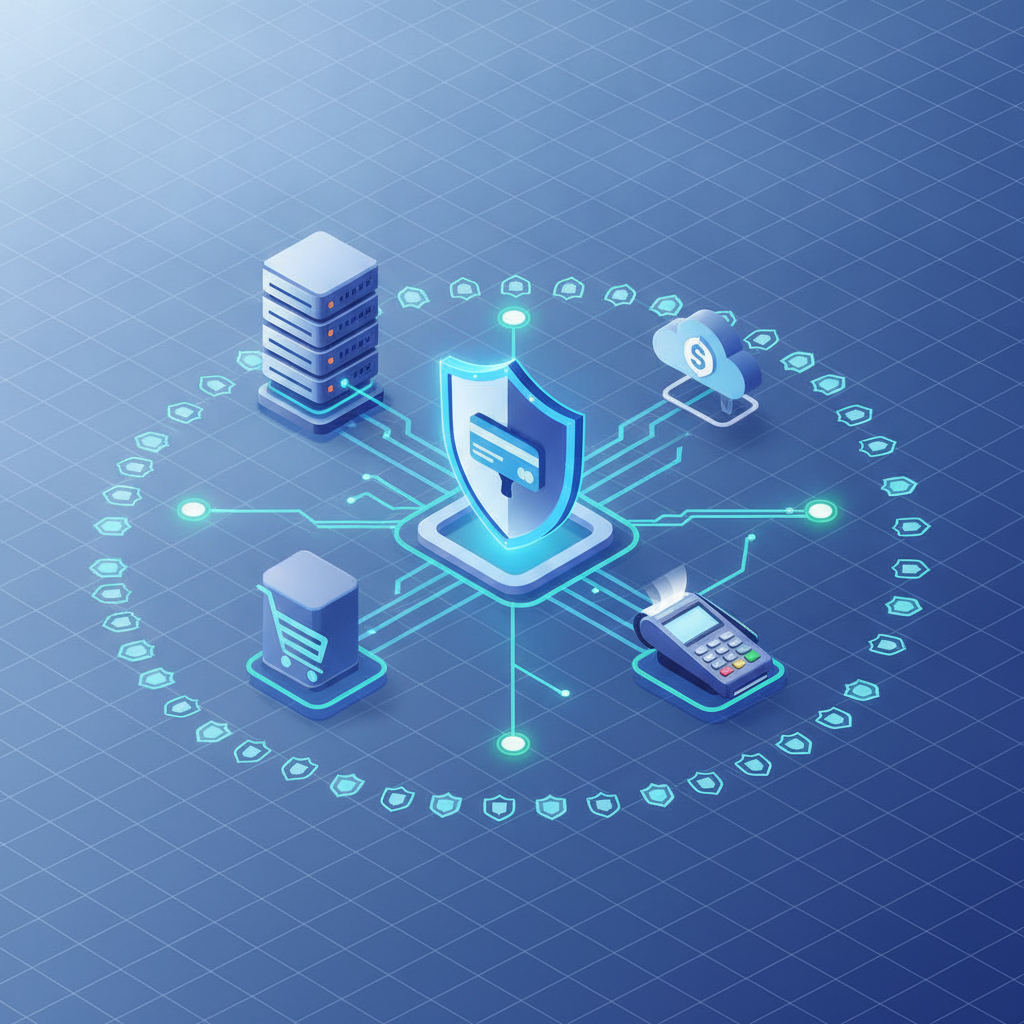
How do I ensure PCI DSS compliance with my hosting environment?
PCI DSS requires protection of cardholder data. Your hosting provider must support this through encryption, tokenization, and scope reduction. Encryption secures data in transit (TLS 1.2+) and at rest (AES-256). Tokenization replaces card numbers with unique tokens — you never store the actual PAN (Primary Account Number). Use off-site payment gateways (hosted page or iframe) rather than storing card data on your server.
Require quarterly external PCI scans from your host. Annual on-site assessments apply if you handle high volumes. Maintain logging and audit trails for every access to sensitive data. Responsibility is shared: your host secures the infrastructure; you secure the application. 360Locker’s security-first approach includes OWASP-aligned reviews and dependency checks, reducing your PCI compliance burden.
A good rule: if your host doesn’t offer PCI-compliant environments, do not build an e-commerce store there. Most breaches occur at Level 4 merchants (smallest volume) because they choose cheap, insecure hosting.
Performance and Reliability as a Security Pillar
How does a hosting provider’s performance affect your site’s security?
Performance features directly bolster security. CDN integration mitigates DDoS by absorbing malicious traffic across global nodes — Akamai blocked an average of 200 Gbps DDoS attacks in 2025, preventing store outages. 99.9%+ server uptime ensures your site isn’t down when you need to apply emergency patches. 360Locker’s 99.95% hosting uptime and 99.9% server uptime exceed industry averages.
Load balancing distributes traffic spikes, preventing resource exhaustion that attackers exploit. Fast server response times reduce the window for session-based attacks. Real-time monitoring (included with 24/7 priority support at 360Locker) detects unusual traffic patterns — a sudden 5x request surge could signal a credential-stuffing attack. Monitor logs daily and configure alerts for anomalies like failed login spikes or unexpected database queries.
Vendor and Third-Party Risk Management
What third-party risks should I consider when choosing a hosting provider?
Evaluate certifications: ISO 27001 confirms a provider follows international information security management standards. SOC 2 reports audit controls for data privacy and processing. Ask about data center physical security: biometric access, 24/7 guards, and backup power. Review their Business Continuity and Disaster Recovery (BCP/DR) plan — 40% of businesses never reopen after a disaster, per FEMA data.
Include contractual safeguards in your agreement: a data processing addendum (DPA) and a breach notification clause requiring response within 24 hours. Audit third-party plugins and themes before installation. A single compromised plugin can expose your entire store. Choose a provider with a security-first culture. 360Locker, founded on 1 January 2020, builds every service — from website development to hosting — with OWASP-aligned reviews, automated CI scans, and zero-trust architecture. Their sister concern ITpreneurs.Tech extends this focus to training and consulting.
Checklist Summary: 2026 E-commerce Hosting Security Quick Wins
- Enable HTTPS with HSTS and strong cipher suites — do not support TLS 1.1 or older.
- Deploy a Web Application Firewall and CDN — many hosts offer this as integrated service.
- Run OWASP-aligned reviews and dependency checks before launch — repeat quarterly or after major updates.
- Schedule automated backups and test the restore process monthly.
- Implement zero-trust access controls — enforce 2FA, minimal privileges, and network segmentation.
- Ensure PCI DSS compliance for payment handling — use tokenization and off-site gateways.
- Monitor logs daily and configure alerts for anomalies — automation tools like Splunk or your host’s dashboard work.
- Partner with a hosting provider that offers built-in security — 360Locker provides 99.95% uptime, 24/7 support, free cPanel migration, and automated CI scans. Their Starter plan ($29/month for 1–3 pages) makes security accessible for newcomers. 120+ projects and 500+ clients trust their approach.
E-commerce hosting security in 2026 is not optional — it’s the foundation of your business. Choose a provider that treats security as a default, not an add-on. Your customers’ trust depends on it.
Frequently Asked Questions
What security features should I look for in an e-commerce hosting provider?
Essential features include SSL/TLS, WAF, DDoS protection, PCI DSS compliance, automated backups, zero-trust architecture, and 24/7 monitoring.
How do I ensure PCI DSS compliance with my hosting environment?
Ensure your host provides encryption, tokenization, secure payment gateways, quarterly PCI scans, and audited access logs. Responsibilities are shared – the host secures infrastructure; you secure your application.
What is the difference between server-level and application-level security?
Server-level security focuses on infrastructure hardening (patching, firewalls, SSH key auth). Application-level security targets code vulnerabilities (OWASP top 10, CSRF, XSS prevention). Both are required for full protection.
Why is zero-trust architecture important for e-commerce hosting?
Zero-trust minimizes breach impact by never trusting by default, requiring verification for every access, and segmenting networks. This prevents lateral movement if a component is compromised.
How often should I run security scans on my e-commerce site?
Run automated scans (SAST/DAST) with every code change and dependency check before launch. Perform OWASP-aligned reviews quarterly and after major updates.
What are the best practices for securing customer payment data?
Never store full card data; use tokenization and off-site payment gateways (iframe or hosted page). Encrypt data in transit and at rest, limit access via zero-trust, and comply with PCI DSS.