

Quick answer: The choice between no-code and custom development depends on your need for speed, budget, security, and scalability: no-code is faster and cheaper upfront but limits control, while custom development offers security, scalability, and ownership at a higher initial cost.
Key takeaways
- No-code is ideal for MVPs, internal tools, and simple sites; custom is for data-heavy, regulated, or unique functionality.
- Custom development offers more security control, scalability, and long-term cost-efficiency at scale.
- Hidden costs of no-code include vendor lock-in and per-seat fees; custom avoids recurring fees but requires ongoing maintenance.
- Hybrid approaches (no-code front-end with custom back-end) are effective for many startups.
- Switch to custom when no-code limits performance, compliance, or scalability.
No-code and custom development serve different business realities: no-code (building software with visual builders and pre-built components) wins for speed, low initial cost, and simplicity—ideal for MVPs, internal tools, and brochure sites—while custom development (writing software from scratch in code) wins for security control, scalability, and unique functionality—best for data-heavy platforms and regulated industries. In 2026, your choice comes down to three factors: compliance requirements, growth projections, and whether you can tolerate vendor lock-in. No-code is the right starting point for early validation; custom is the right investment when your product depends on performance, data protection, or audit-ready security.
The Verdict: Which Development Path Do You Need?
No-code shines for speed, budget, and simplicity—ideal for MVPs, internal tools, and brochure sites. Custom development wins on security control, scalability, and unique functionality—best for data-heavy platforms and regulated industries. Hybrid approaches (no-code front-end, custom back-end) are gaining traction as a practical middle ground.
Your decision hinges on three factors: compliance, growth projections, and locked-in functionality. If you need to launch in weeks with a few thousand dollars, no-code works. If you plan to scale to thousands of users or handle sensitive data, custom development justifies its higher upfront cost.
| Attribute | No-Code Development | Custom Development |
|---|---|---|
| Time to launch | Days to weeks | 1–6 months (average 30–60 days for agencies like 360Locker) |
| Upfront cost | Low: subscriptions from $20–$300 USD/month per user (e.g., Bubble, Webflow, Airtable) | High: $50,000–$250,000+ USD for a full custom web app |
| Ongoing cost | Per-user fees grow with scale; premium plugins add up | $100–$500 USD/month for hosting and maintenance |
| Security control | Platform-managed but limited; third-party plugins add risk | Full control: OWASP-aligned reviews, dependency checks, WAF/CDN, hardened headers |
| Scalability | Capped by platform limits on database size, API calls, concurrency | Optimized architecture, caching, server tuning; up to 20x faster server response possible |
| Vendor lock-in | High—migrating away is often harder than rebuilding | None—you own the source code and IP |
| Compliance readiness | Limited; may not satisfy SOC2 or ISO 27001 audits | Built for audit: you can map controls and verify patches |
| Customization | Constrained by platform features | Unlimited—any feature you can specify |
| Technical skill required | None; visual builders | Development team or agency partner |
Cost Comparison: No-Code vs Custom in 2026
No-code subscriptions range from $20–$300 USD per user per month on platforms like Bubble, Webflow, and Airtable. Custom development typically costs $50,000–$250,000+ USD for a full web app, plus $100–$500 USD per month for hosting and maintenance. These figures vary by complexity, but the pattern holds: no-code is cheaper to start, custom is cheaper at scale.
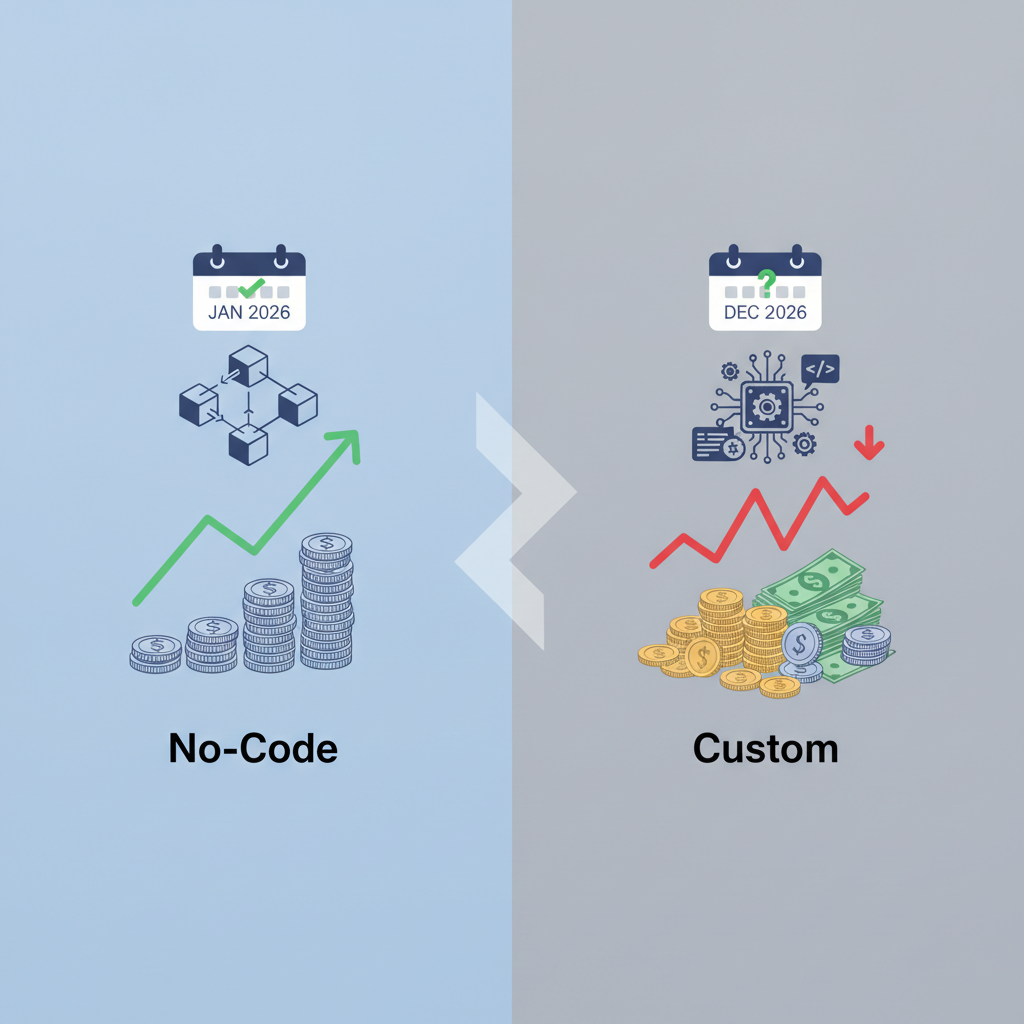
The hidden cost of no-code is vendor lock-in—the situation where switching platforms becomes difficult or costly due to dependency on a specific vendor’s technology. Per-user fees rise as your team grows, and premium plugins add recurring charges. According to industry analysts, TCO (Total Cost of Ownership)—the complete cost of owning and operating software over its lifetime—for no-code can overtake custom once you hit roughly 15–20 user seats or need custom features.
Contractor rates differ between the US and UK. In the US, custom development averages $60–$150 USD per hour. In the UK, developers charge £40–£100 GBP per hour depending on stack and region. A US-based fintech startup will pay more upfront than a UK e-commerce brand, but both face the same curve: custom amortizes because you avoid recurring per-seat fees.
Long-term, custom code is often the cost-effective choice. Your initial investment buys an asset you own. No-code subscriptions are operating expenses that never stop and often accelerate.
Security: Where Each Approach Stands
No-code platforms handle patching and infrastructure security, but they give you limited control over vulnerabilities—like cross-site scripting (XSS) risks from third-party plugins. Custom development lets you implement OWASP-aligned reviews, dependency checks, HTTPS/SSL, WAF/CDN, and hardened headers as standard. OWASP (the Open Worldwide Application Security Project) publishes the industry-standard list of web application risks; aligning to it means systematically closing the most common attack vectors.
Regulated sectors—finance and healthcare—often require custom builds for audit compliance like SOC2 or ISO 27001. SOC2 is an auditing standard for service organizations’ data security; ISO 27001 is an international standard for information security management. No-code platforms may hesitate to meet these audit demands because their infrastructure is shared and their compliance documentation is limited.
Data residency is another factor. With custom code, you choose your hosting location in the US or UK, ensuring local data laws are respected. No-code platforms often store data globally with limited regional control. In the UK, GDPR (General Data Protection Regulation) governs personal data; a custom build lets you ensure data stays within UK or EU borders, while no-code may route it elsewhere.
Custom development provides inherent transparency: you own the source code and can verify security patches. According to security best practices, the ability to review your own codebase is the single strongest control for audit readiness.
Scalability and Performance: No-Code Limits vs Custom Freedom
No-code platforms have caps on database size, API calls, and concurrency—they can choke as traffic grows. Custom development allows optimized architecture, caching, and server tuning, leading to up to 20x faster server response times, as claimed by 360Locker. For an e-commerce site where every second of load time affects conversion, that difference is decisive.
Custom code can integrate with existing systems—legacy ERP, bespoke payment gateways—without proprietary API restrictions. No-code platforms often limit which external services you can connect to and how deeply you can embed them.
No-code is sufficient for small audiences—say, under a few thousand monthly visitors. Custom is mandatory for enterprise-grade scaling and high availability. If your roadmap includes a public API, multi-vendor marketplace, or real-time features, you will hit no-code limits quickly.
Maintenance and Future-Proofing
No-code platform updates are automatic but can break your app without warning; you have no control over the runtime. Custom development means your team manages dependencies and upgrades, allowing you to plan changes rather than react to them. You avoid forced migrations but need an in-house developer or contracted partner.
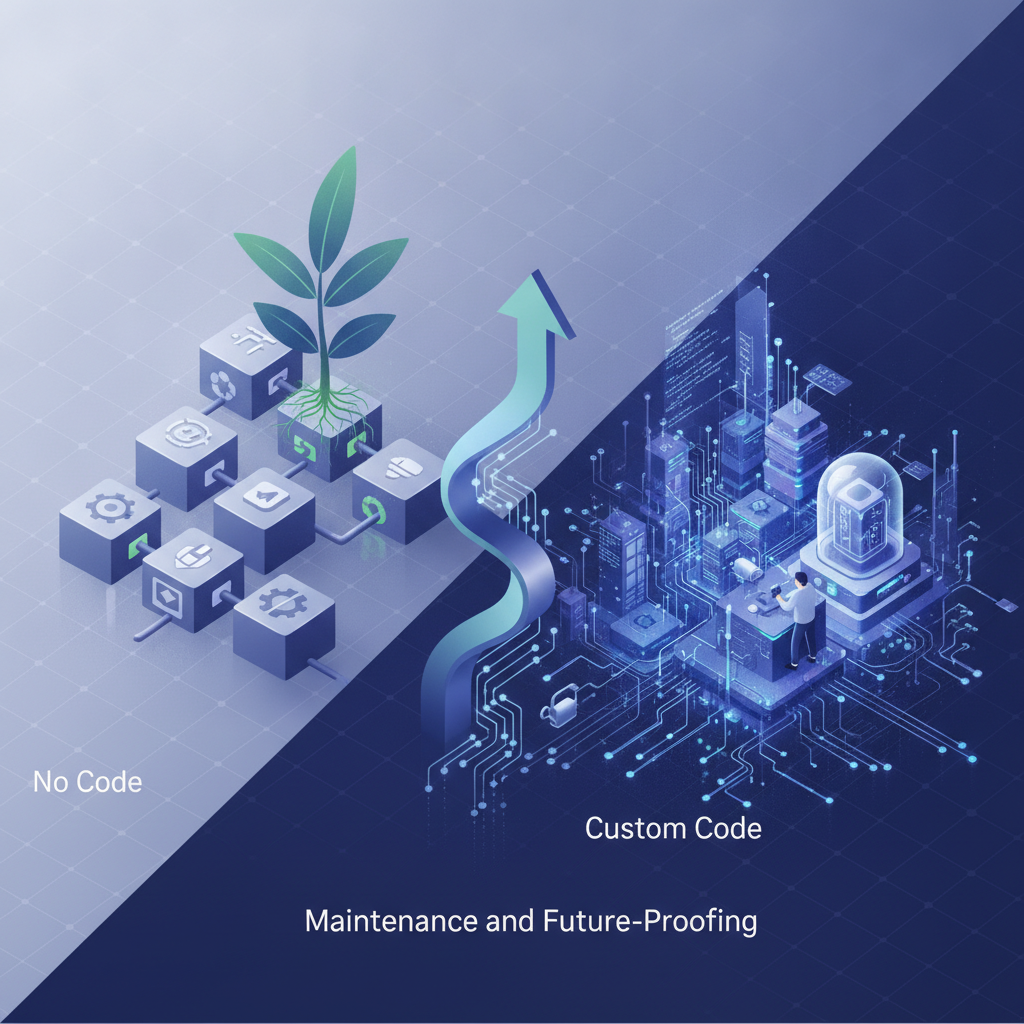
Vendor lock-in is a major risk with no-code. Migrating a complex no-code app to custom is often harder than building from scratch—your data models, business logic, and workflows are tied to the platform’s proprietary structure.
Custom code future-proofs by keeping your intellectual property with you. No-code platforms can change pricing or features unpredictably, and their roadmap is not yours. As of 2026, several no-code platforms have raised prices or removed free tiers, pushing businesses to reconsider their dependence.
Real-World Use Cases for Each
Choose no-code for: startups validating an idea, internal dashboards, marketing landing pages, and simple e-commerce (e.g., Webflow plus Shopify). These use cases have modest security and scaling demands, and speed to market matters more than control.
Choose custom for: SaaS platforms, multi-vendor marketplaces, complex e-commerce with custom SKU logic, and fintech or health apps requiring compliance. These require specific functionality and audit-ready security. AI-generated code tools in 2026 are lowering custom development costs, making this path more accessible than in prior years.
A hybrid example: build the customer-facing UI in no-code for quick launch, but have a custom API backend for logic and data handling. This gives you the speed of no-code with the security and scalability of custom where it matters most.
360Locker specializes in custom development for startups—those who begin with no-code and need to migrate as they scale often become their core clients.
How 360Locker Bridges the Gap
360Locker, a web and app development company founded in 2020, offers custom web and app development with a security-first approach. Their builds include OWASP-aligned reviews, dependency checks, HTTPS/SSL, WAF/CDN, and hardened headers. They target newcomers to the web world and startups, with a focus on e-commerce solutions.
They provide transparent pricing starting at $29 USD per month for hosting, with free content migration from other hosts—including cPanel-to-cPanel transfers. The company has delivered 120+ projects and serves 500+ clients, with an average delivery time of 30–60 days. Their sister concern, ITpreneurs.Tech, offers educational content on technology topics to help founders make informed decisions.
As of 2026, their 99.95% hosting uptime and 24/7 support make them a reliable partner for startups moving from no-code to custom as they scale. If your no-code MVP has validated demand and now needs performance, security, and compliance, that is exactly the transition 360Locker is built to support.
How to do it
- Assess your needs — Evaluate your project's complexity, scalability requirements, security needs, and budget to decide if no-code suffices or custom is necessary.
- Start with a prototype — Use no-code tools like Bubble or Webflow to build a prototype or MVP quickly and test your idea with real users.
- Monitor performance — Track platform limits such as database size, API calls, and user seats. If you hit these limits or experience slowdowns, consider a custom solution.
- Plan for migration — If you anticipate moving to custom, keep your data and logic portable by using standard APIs and avoiding proprietary features.
- Collaborate with experts — For a scalable custom product, partner with a development agency like 360Locker that can migrate your no-code app and build a secure, high-performance solution.
Frequently Asked Questions
What is the difference between no-code and custom development?
No-code uses visual builders with pre-built components, offering speed and ease but limited customization. Custom development involves writing code from scratch, providing full control, scalability, and security.
Which is more cost-effective in the long run: no-code or custom development?
Custom development can be more cost-effective in the long run due to avoiding per-user fees and vendor lock-in, especially as your user base grows. No-code may become costlier as you scale.
Is no-code development secure enough for my business?
It depends on your industry. No-code platforms handle basic security but limit control; regulated industries (finance, healthcare) often require custom builds for compliance standards like SOC2 or ISO 27001.
When should I switch from no-code to custom development?
Switch when you hit platform limits (performance, security, or scalability), need to integrate with legacy systems, or face compliance requirements that no-code can't meet.
How do non-technical founders choose between no-code and custom?
Assess your core business needs: if you need to validate an idea quickly with minimal budget, start with no-code; if you require unique features, data security, or long-term scaling, plan for custom development.
What are the hidden costs of no-code platforms?
Hidden costs include vendor lock-in, per-user fees that rise with scale, premium plugin costs, and potential migration expenses if you later need to switch to custom.
Can I combine no-code and custom development?
Yes, a hybrid approach is common: use no-code for the front-end or rapid prototyping, and build a custom back-end for complex logic, data handling, and security requirements.